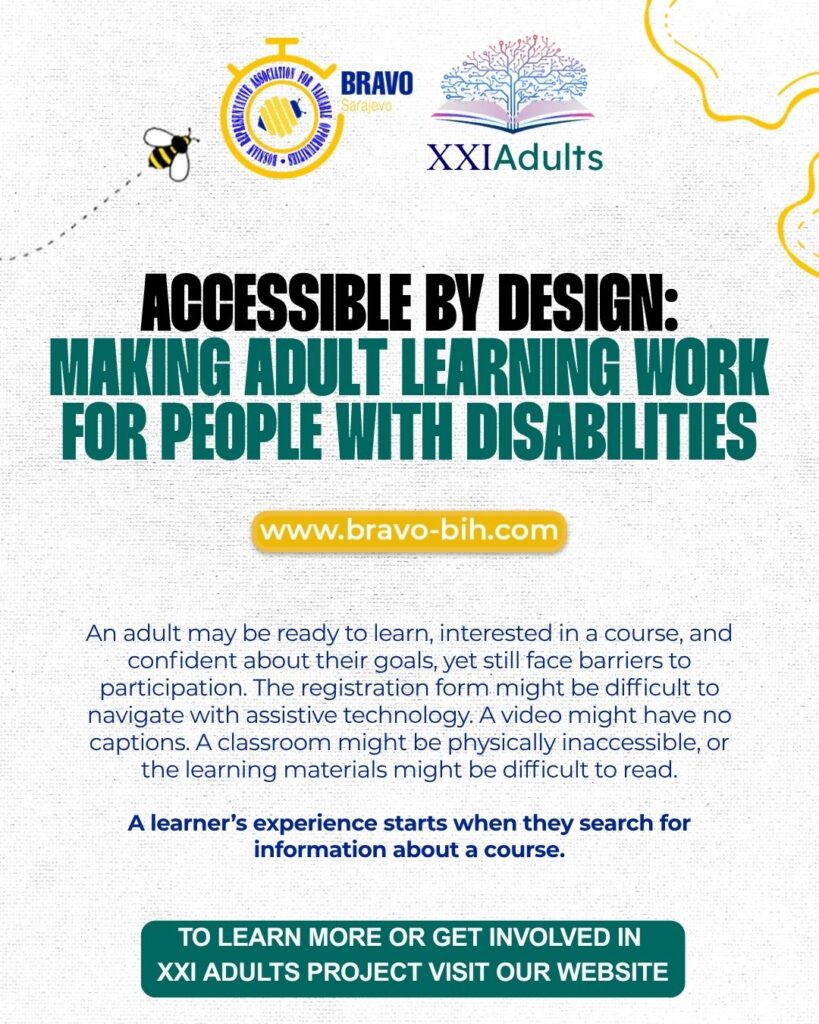
An adult may be ready to learn, interested in a course, and confident about their goals, yet still face barriers to participation. The registration form might be difficult to navigate with assistive technology. A video might have no captions. A classroom might be physically inaccessible, or the learning materials might be difficult to read.
These barriers influence who can join, participate, and demonstrate what they have learned. Addressing them is an essential part of designing useful adult education.
For the XXI Adults project, accessibility connects directly with the ambition to develop more inclusive educational approaches. It encourages educators to consider how people will access learning from the beginning of the planning process.
Accessibility Begins Before the First Lesson
A learner’s experience starts when they search for information about a course.
Clear descriptions should explain what the programme involves, where it takes place, how activities are delivered, and whom to contact about access requirements. Registration instructions should be understandable, and learners should have a practical way to request assistance.
For an in-person course, useful information might include step-free access, accessible toilets, transport options, and the layout of the venue. For online learning, participants may need to know which platform will be used and whether materials are available in alternative formats.
Providing this information helps adults make informed decisions and prepare for participation. It also gives organisers time to respond to requests before the course begins.
Asking Learners What Works for Them
People with disabilities have different preferences, experiences, and access requirements. A diagnosis alone does not tell an educator how someone learns or what support they need.
A respectful starting point is to ask about the learning arrangements that would help the person participate. This conversation can focus on practical matters: the format of materials, the pace of activities, communication preferences, or access to the learning space.
Learners should have a private way to discuss these needs. They should not have to explain personal circumstances in front of a group.
Educators should also be clear about what they can provide and follow up on agreed arrangements. Asking about access is useful when it leads to action.
Making Written Materials Easier to Use
Learning materials can become more accessible through clear organisation and thoughtful formatting.
Descriptive headings help readers find information. Short paragraphs and direct instructions make tasks easier to follow. Readable text, sufficient colour contrast, and uncluttered layouts can improve usability.
Information should not rely on colour alone. If a chart uses colours to distinguish categories, labels or patterns can provide another way to understand it.
Images that communicate essential information need meaningful text descriptions. Digital documents should contain selectable text and a logical reading order so that learners using assistive technology can navigate them.
Educators can also provide editable or alternative formats where appropriate. The aim is to preserve the learning content while making it usable in different ways.
Providing Alternatives for Audio and Video
Audio and video can offer useful explanations, demonstrations, and examples. Their accessibility depends on how they are prepared.
Captions allow learners to follow spoken content without relying on hearing. A transcript provides a text version that participants can read, search, or revisit at their own pace.
Captions should be checked for accuracy, particularly when a video includes specialist terms or several speakers. Automatically generated text may need correction.
Visual information also needs attention. If a demonstration depends on actions shown on screen, the explanation should describe those actions clearly. Saying “Select the button labelled Save” gives more information than “Click here.”
These details help learners understand the content even when they cannot access every part of the original format.
Creating Accessible Digital Activities
An online activity should be usable through different methods of navigation.
Some learners use a keyboard instead of a mouse. Others rely on a screen reader, magnification, or speech input. Educators and platform providers need to consider whether participants can reach controls, identify their purpose, and complete tasks using these tools.
Clear labels, predictable navigation, and understandable error messages help learners move through an activity. Participants should know what went wrong and how to correct it when a form cannot be submitted.
Before introducing a digital tool, organisers can review its accessibility information and test the main learner tasks. Feedback from users of assistive technology can reveal barriers that other checks may miss.
When a tool creates an unresolved barrier, an accessible alternative should allow the learner to work towards the same educational goal.
Considering the Physical Learning Environment
Accessibility also depends on the learning space.
Entrances, routes between rooms, seating arrangements, and access to facilities should be considered before participants arrive. A venue described as accessible may still have a particular room or activity area that is difficult to reach.
Lighting, background noise, and the visibility of the educator can affect participation. During discussions, asking people to speak one at a time can make contributions easier to follow.
Organisers should check practical arrangements with the venue and communicate relevant details to learners. Where adjustments are needed, they should be planned in advance whenever possible.
Offering Flexible Ways to Participate
A single activity format may create unnecessary barriers.
An educator might allow participants to contribute through speaking, writing, an audio recording, or a practical demonstration. The options should reflect the purpose of the task.
If the goal is to assess understanding of a concept, several response formats may be suitable. If the goal is to demonstrate a specific practical skill, the assessment needs to preserve that requirement while providing appropriate access.
The same principle applies to timing. Some learners may need additional time, breaks, or opportunities to complete an activity in stages.
Flexibility works best when educators identify what the learner needs to demonstrate and distinguish it from the particular format originally chosen.
Supporting Independence and Choice
Support should respect the learner’s preferences.
Before stepping in, an educator can ask whether assistance would be useful and how it should be provided. Taking over a task without asking may interrupt someone’s learning or remove an opportunity to practise independently.
Clear instructions, accessible resources, and suitable tools can help adults work with greater autonomy. Support remains available, while the learner keeps an active role in deciding how to use it.
This approach also recognises the expertise people have about their own access needs.
Improving Accessibility Through Feedback
Accessibility requires ongoing attention. New materials, unfamiliar activities, or changes to a platform can introduce barriers even when earlier sessions worked well.
Educators can invite feedback privately and through accessible channels. Questions should be practical: Were the materials usable? Could participants follow the discussion? Was there any step they could not complete?
When a barrier is reported, organisers should acknowledge it, agree on a response, and explain any limitations clearly. Reviewing recurring difficulties can help improve future course design.
Accessibility within the XXI Adults Vision
Adapting adult education to the twenty-first century includes making learning opportunities accessible to people with different abilities and requirements.
Within the context of XXI Adults, this means considering accessibility across materials, digital resources, teaching activities, and learning spaces. Planning ahead can remove many barriers, while individual conversations help address needs that a general design cannot anticipate.
An accessible learning environment gives adults a fair opportunity to engage with the content, contribute their experience, and demonstrate their progress. Building those conditions into course design helps turn the commitment to inclusion into everyday practice.
#XXIAdults #BRAVO #BRAVOBIH #AdultEducation #Accessibility #InclusiveEducation #LifelongLearning #ErasmusPlus
#BRAVO #BRAVOBIH #MAKETHEWORLDWONDER #ERASMUSPLUS